AI coding on your PC.
Follow it from anywhere.
BambooKit is an AI coding agent for Windows with your phone as the remote. The agent works on your project on your PC, your sessions stay there, and you can check in, review changes and answer its questions from your phone.
- Sessions, chats and code live here
- The agent runs here
Sign-in, pairing, a small session index and approvals. Relays chats live.
Follow, approve, continue
View sessions and chats
One agent, two screens
The work happens on your PC. Your phone, and this website, let you keep an eye on it.
BambooKit Desktop
A full AI coding workspace on your PC. Chat with agents that edit files, run commands and tests, and use Git, MCP servers and tools. Every change is shown as a diff you can review or revert.
- Free BambooKit models included
- Or bring your own OpenAI, Anthropic, Google, OpenRouter or Ollama keys
- Sessions and chats stored on your PC
BambooKit for Android
Your phone is the remote. See your PCs and every session, follow chats, todos and tool calls live, check changed files and answer the agent's approvals and questions from anywhere.
- Live sessions, todos, diagram and full diffs
- Approve commands and edits, answer the agent's questions
- Chat and pick the model after you continue a session on your PC
How it works
- 01
Install and sign in
Download the Windows installer (or run the one-line installer) and sign in to BambooKit Desktop with your account.
- 02
Work with the agent
Open a project folder and start a session. The agent edits, runs and tests while you review every change.
- 03
Pair your phone
In Desktop choose BambooKit → Add mobile device and scan the QR code with the Android app.
See it in action
BambooKit Desktop on Windows and the Android remote. Click a screenshot to open it full size.
BambooKit Desktop
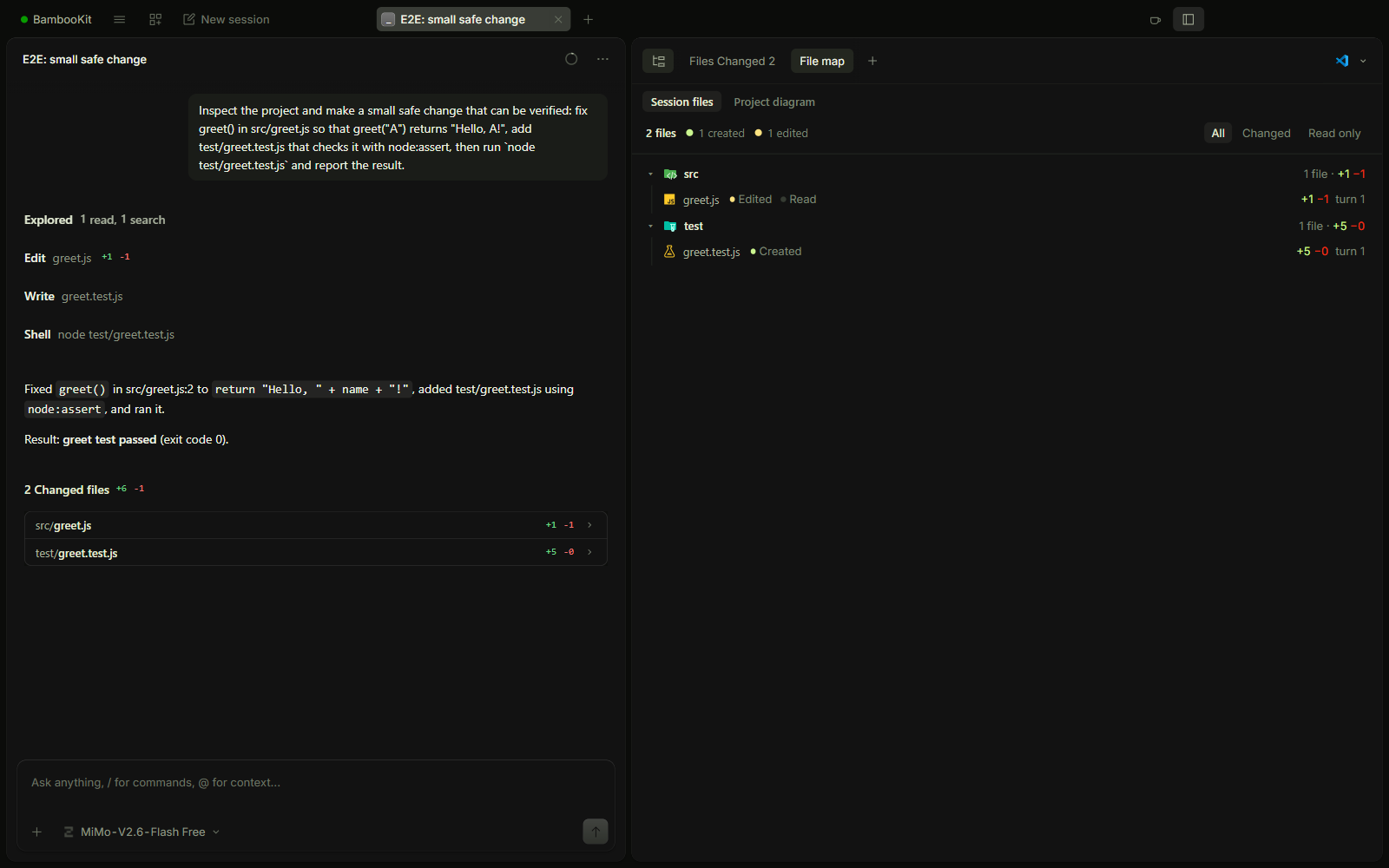
BambooKit desktop file map
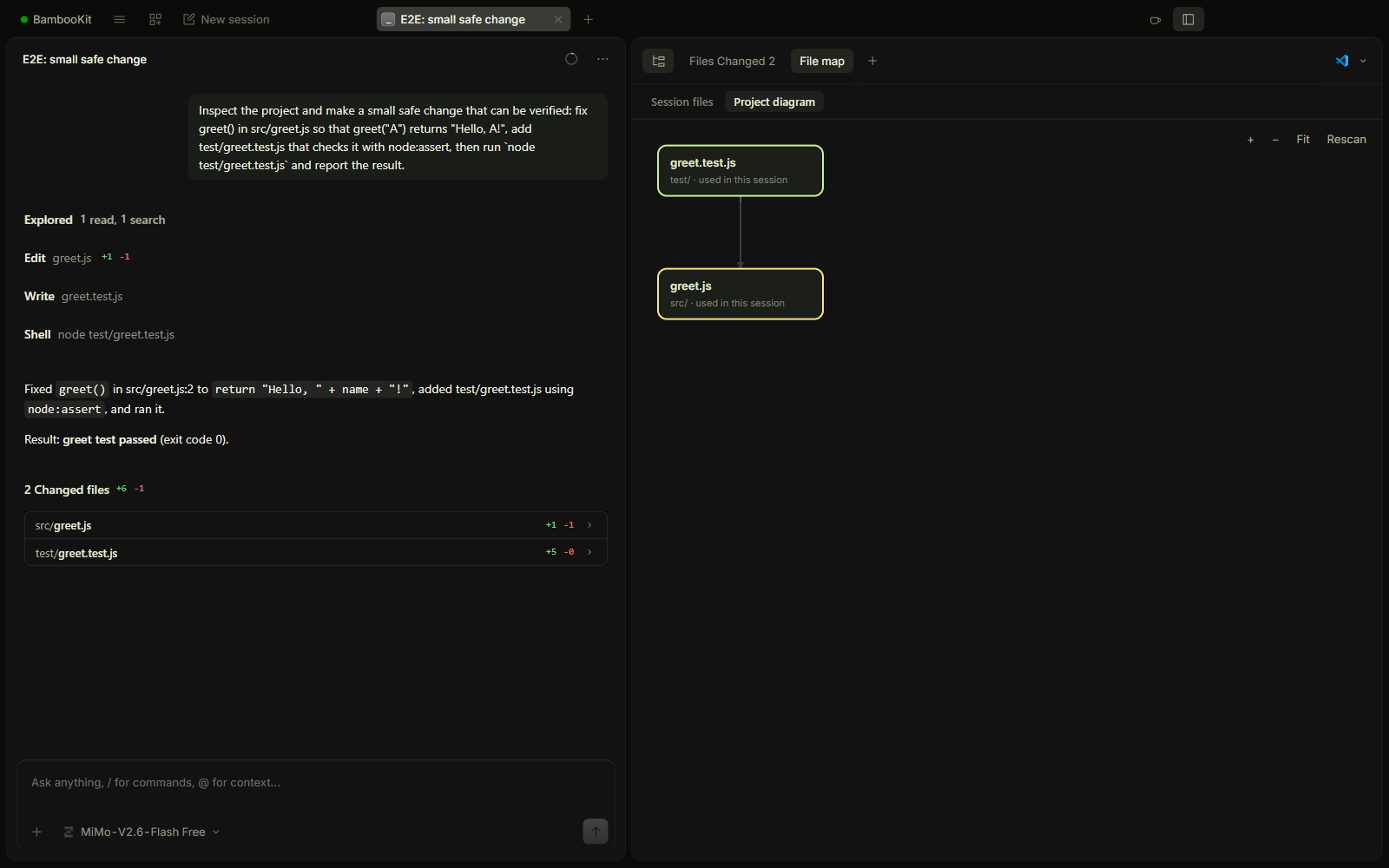
BambooKit desktop project diagram
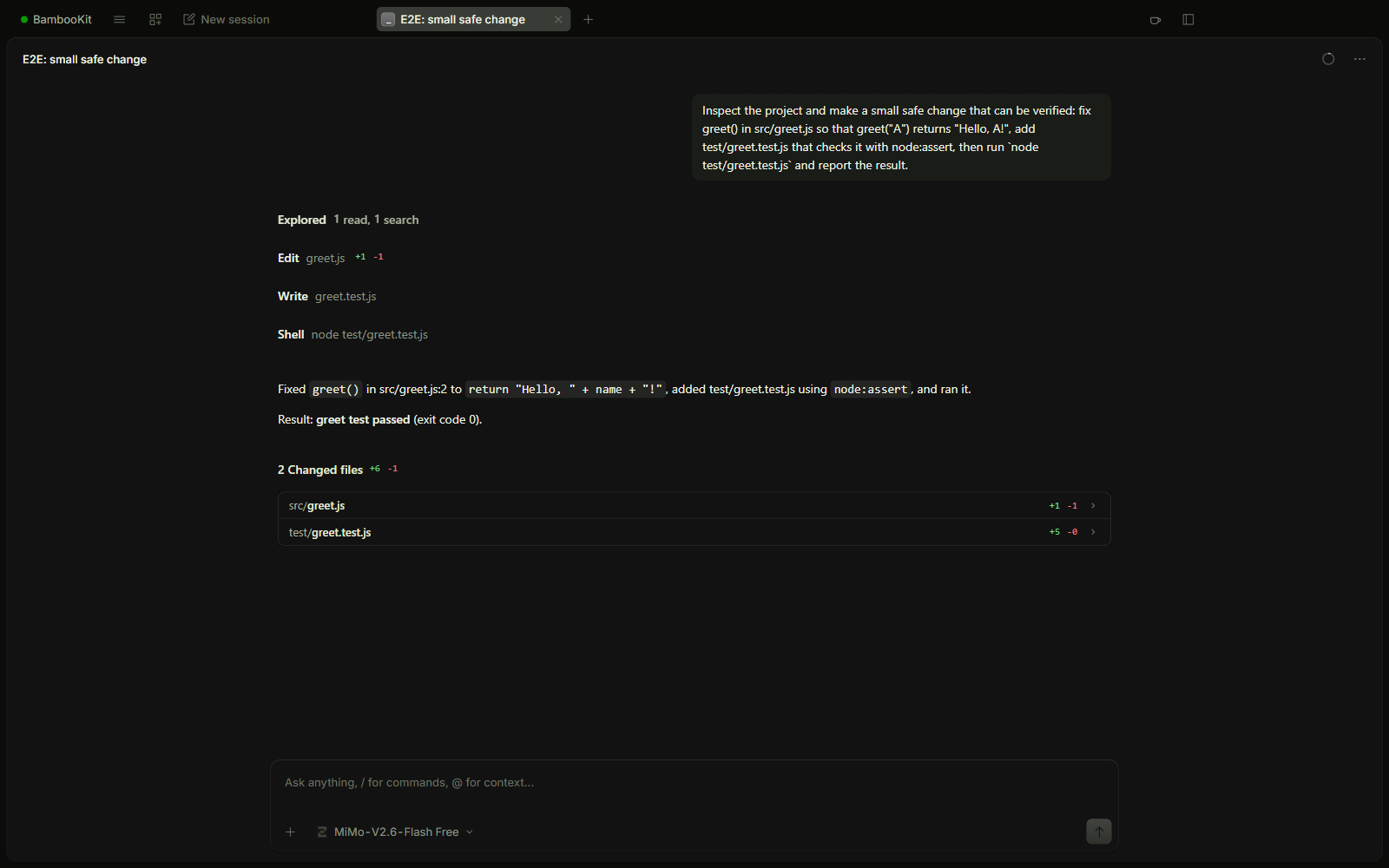
BambooKit desktop session chat
BambooKit for Android
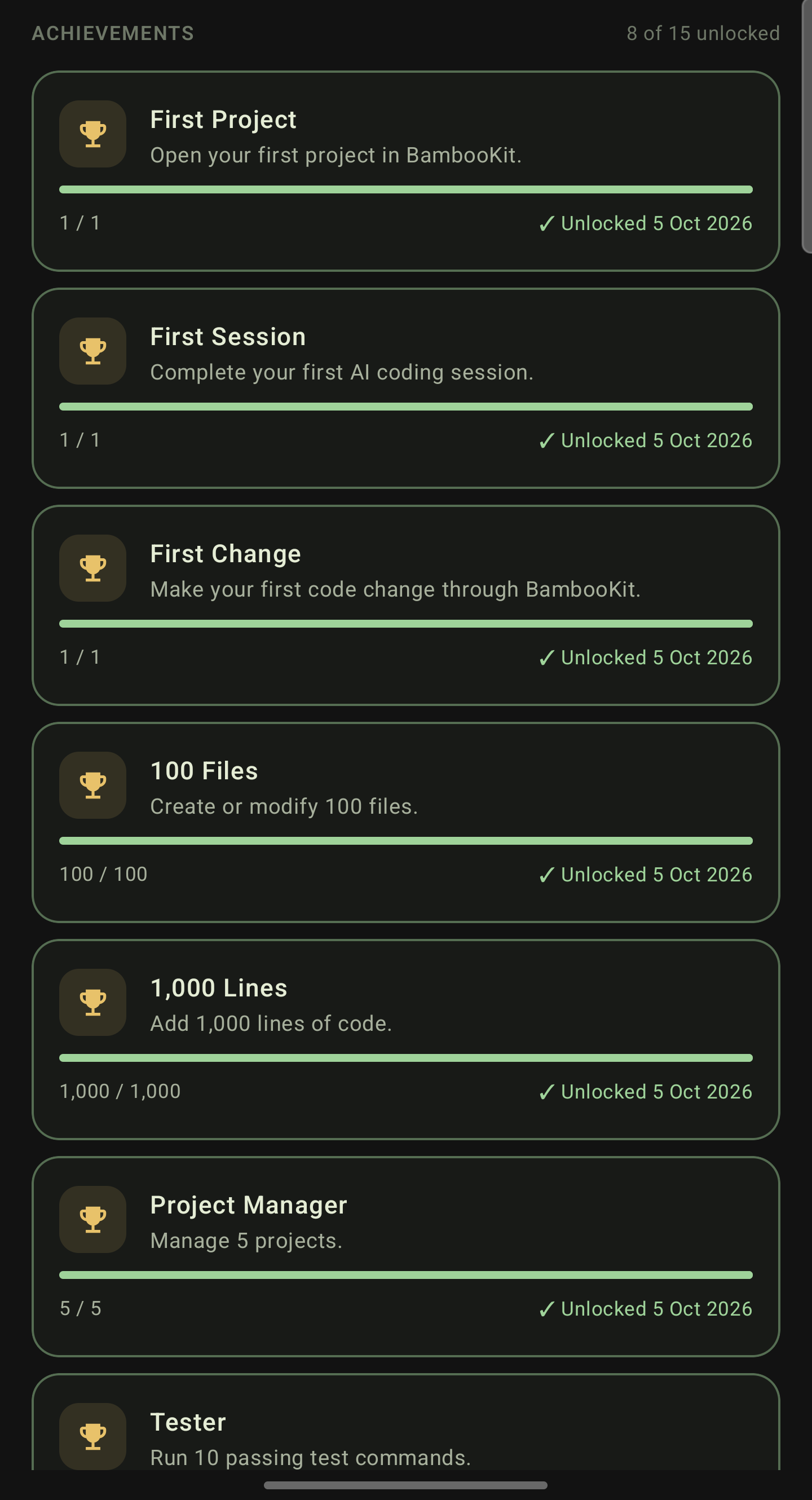
Profile achievements
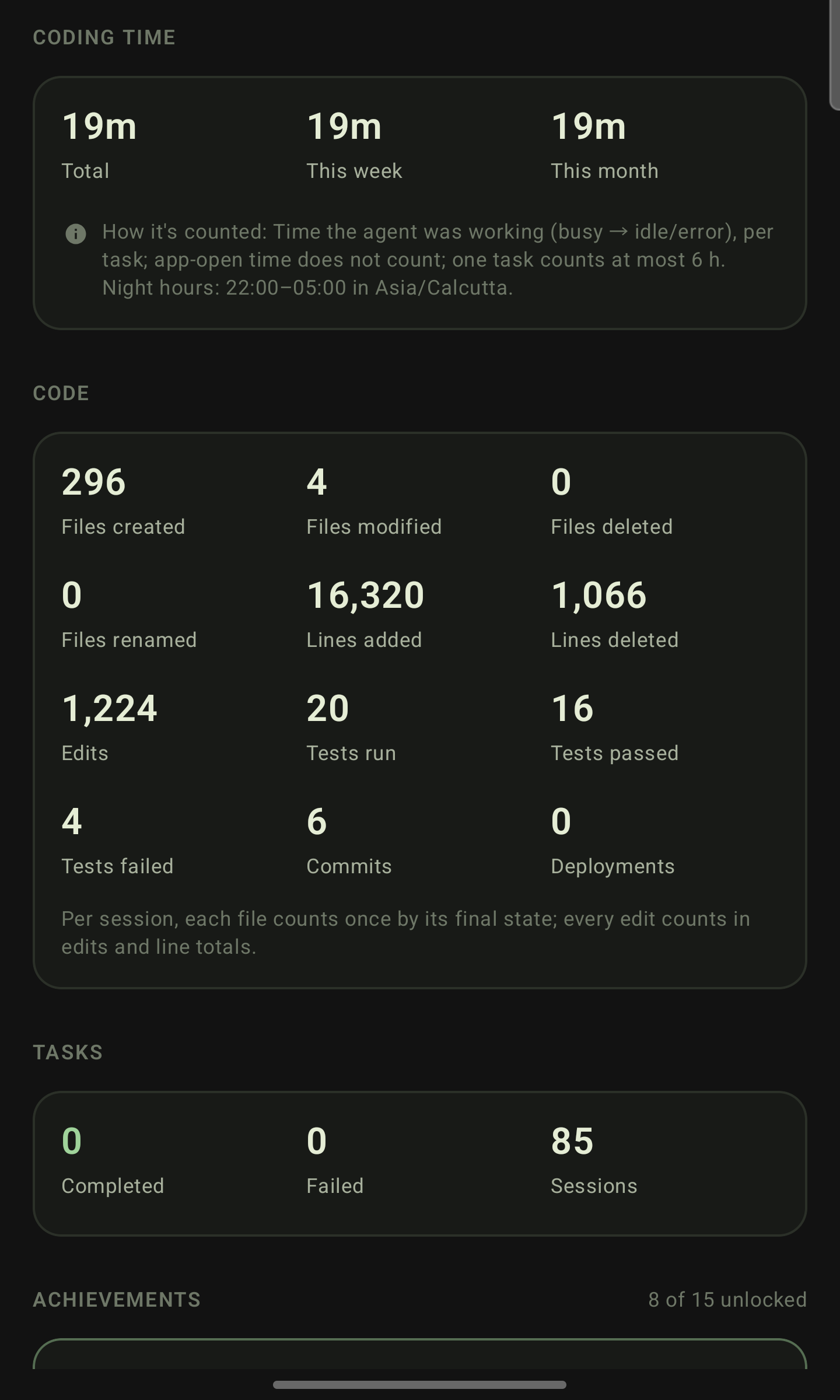
Profile statistics
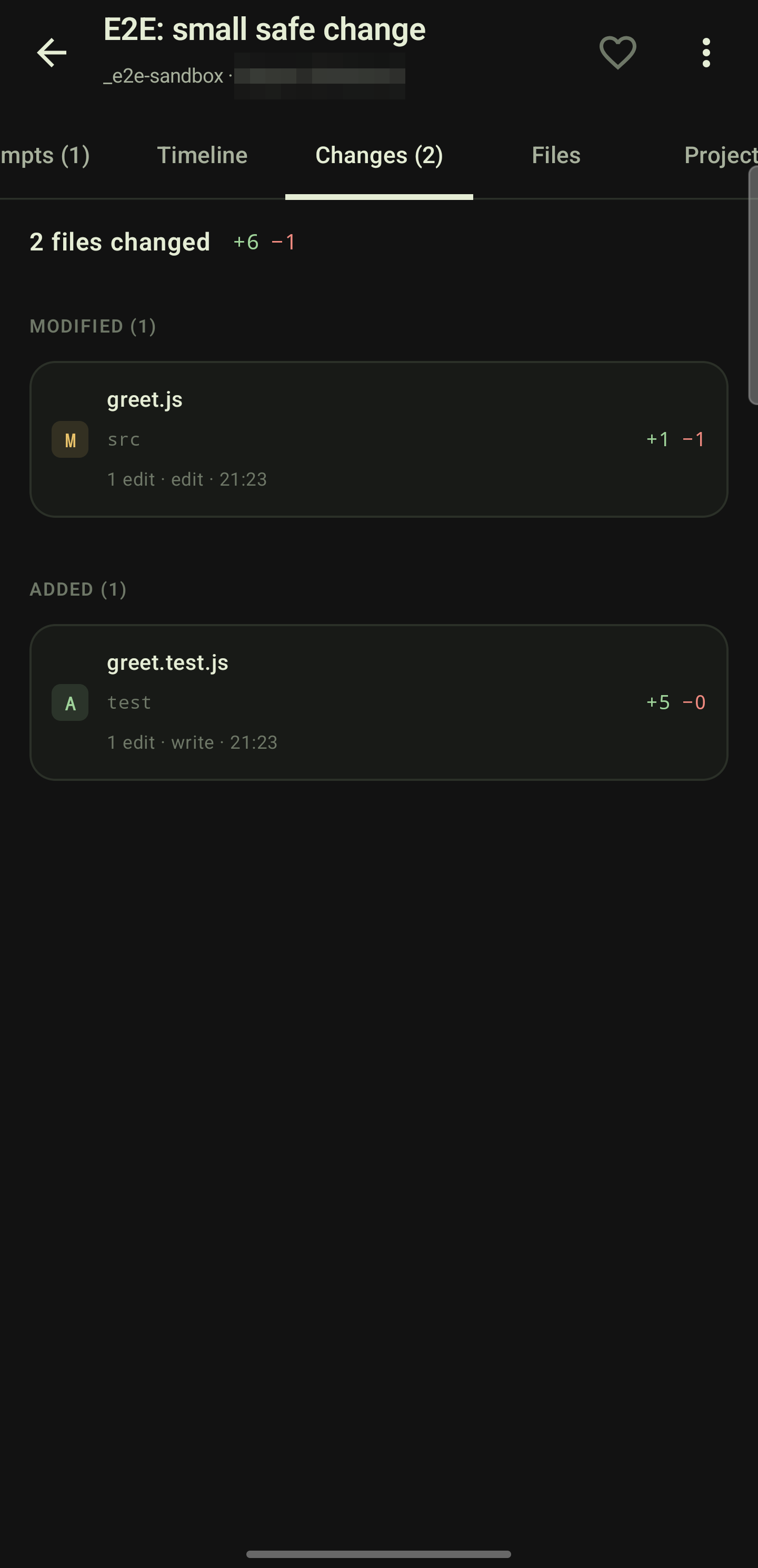
Session changes
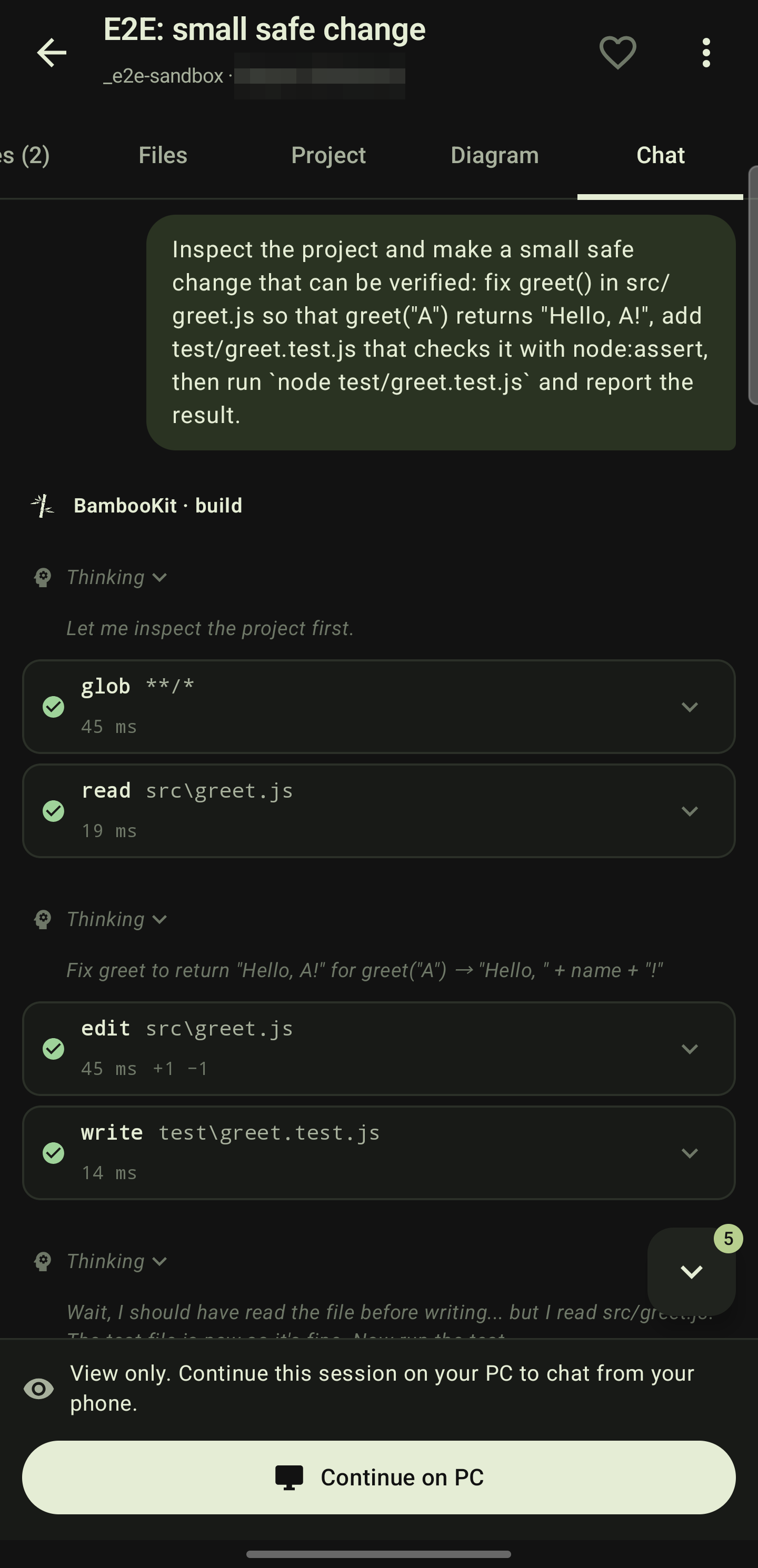
Session chat
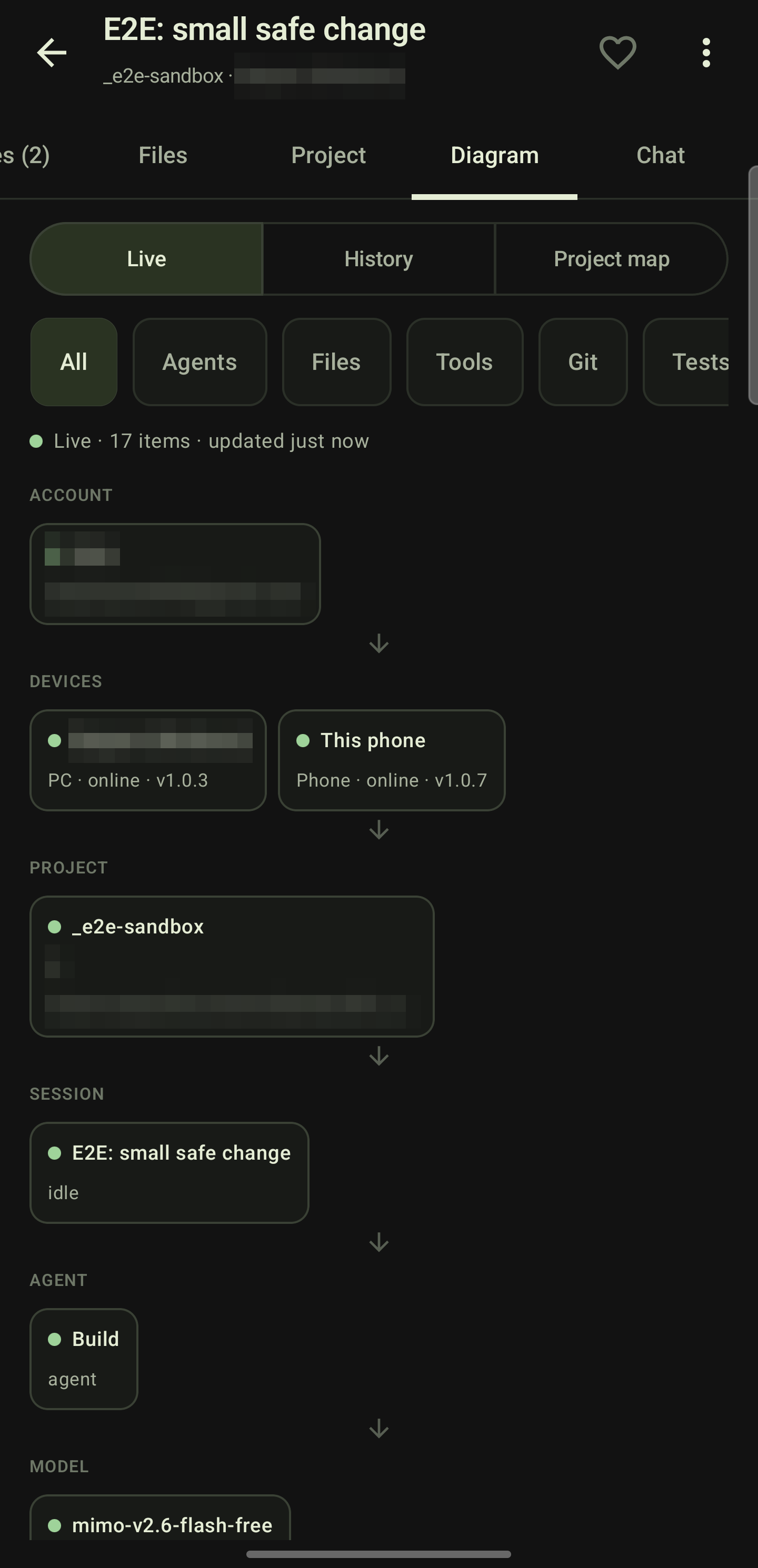
Session diagram live
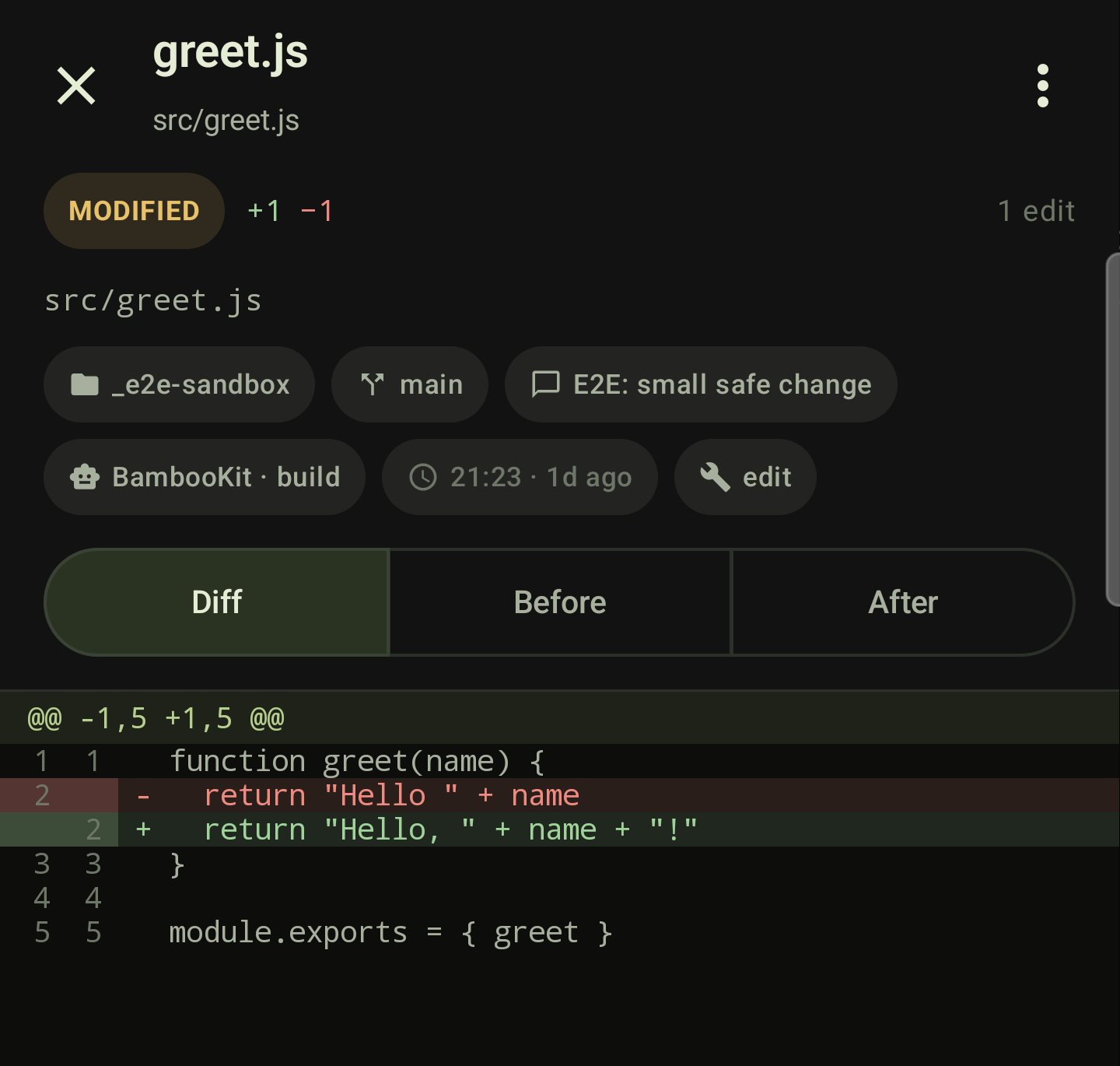
Session diff
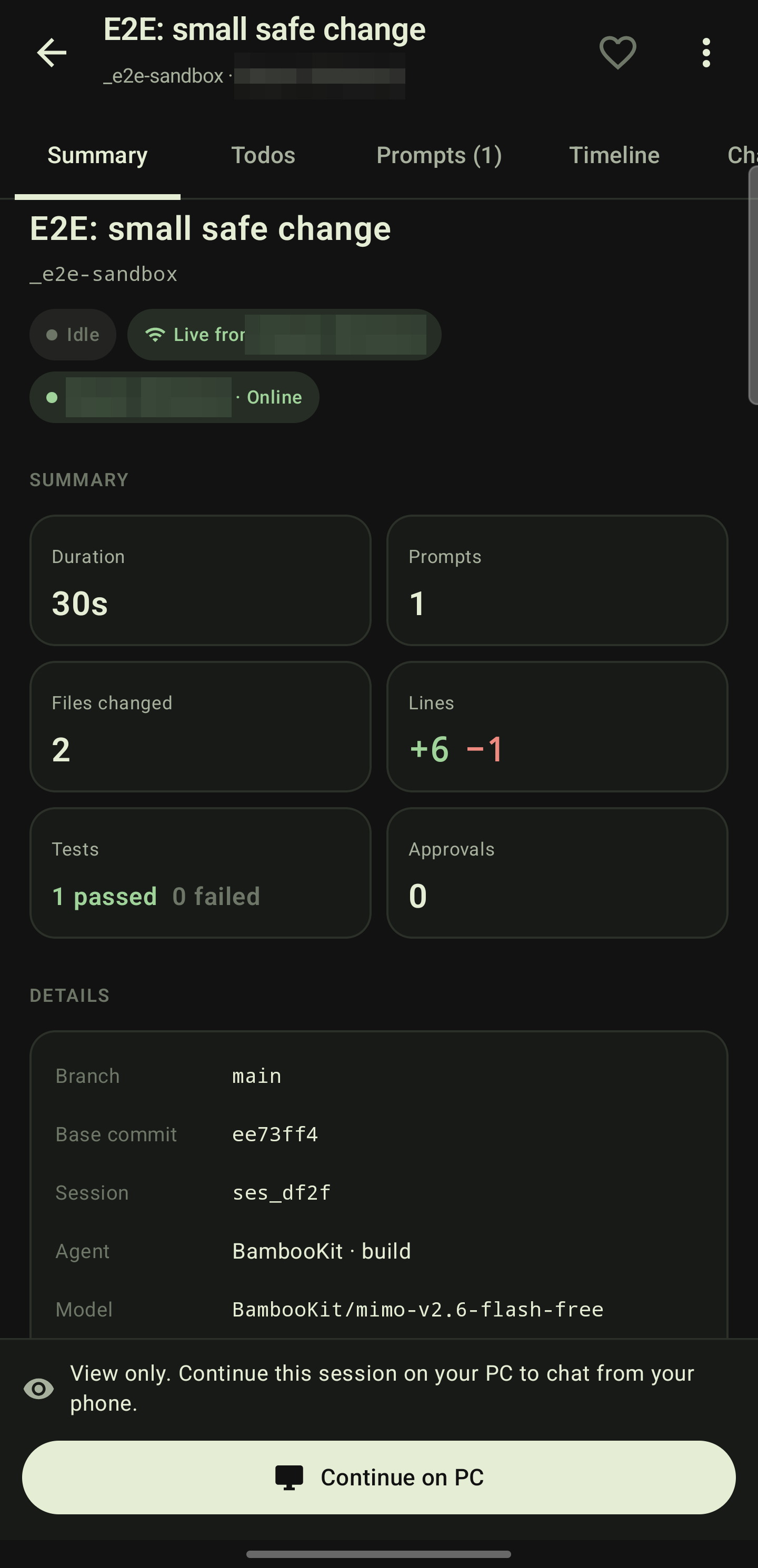
Session summary
Download and install
Install BambooKit Desktop on your PC first, then the Android app on your phone. Both are free.
System requirements: Windows 10 or 11, 64-bit · Android 8.0 or newer · an internet connection on both.
Windows
Or open PowerShell and run:
irm https://bambookit-web.onrender.com/install.ps1 | iex- 1Download and run the installer, or run the PowerShell line above, which downloads and starts it for you.
- 2Windows SmartScreen may say Windows protected your PC because the installer is not code-signed yet. Choose More info → Run anyway.
- 3Open BambooKit from the Start menu and sign in, or create an account.
- 4Choose Add project (Ctrl+O), pick a project folder and start a session.
- 5Optional: the ☕ keep-awake button next to the update button keeps the PC awake while agents run, until you click it again or close the window.
All versions are on the releases page. Prefer to build it yourself? See install from source.
Android
- 1Download the APK on your phone with the button above and open it.
- 2When Android asks, allow Install unknown apps for your browser, then go back.
- 3Tap Install and open BambooKit.
- 4Sign in with the same account you use on your PC.
- 5On the PC choose BambooKit → Add mobile device and scan the QR code with the app.
All versions are on the Android releases page. Stuck? See install and connection help.
Latest versions
Download the newest release directly, with its release notes.
Your sessions stay on your PC
BambooKit is built so the cloud only knows what it needs to connect your devices. How it works
- Chats, tool output and file changes are stored only on your PC.
- BambooKit Cloud keeps a small index (session titles, status, project, times) and pending approvals.
- When your phone or this site opens a chat, it is read live from your PC. If the PC is offline, there is nothing to show.
- Model keys and model traffic never leave your PC.
Free on your PC. Pro when you want more.
The Desktop agent, your own API keys and the free BambooKit models are free. Pro removes the phone limits, adds PCs and turns off ads in the Android app.
See pricing- Full Desktop agent
- 20 phone messages, 3 new sessions a day
- 1 PC
- Unlimited phone chat and sessions
- Up to 5 PCs, no ads
- Or ₹1,999 a year (2 months free)